
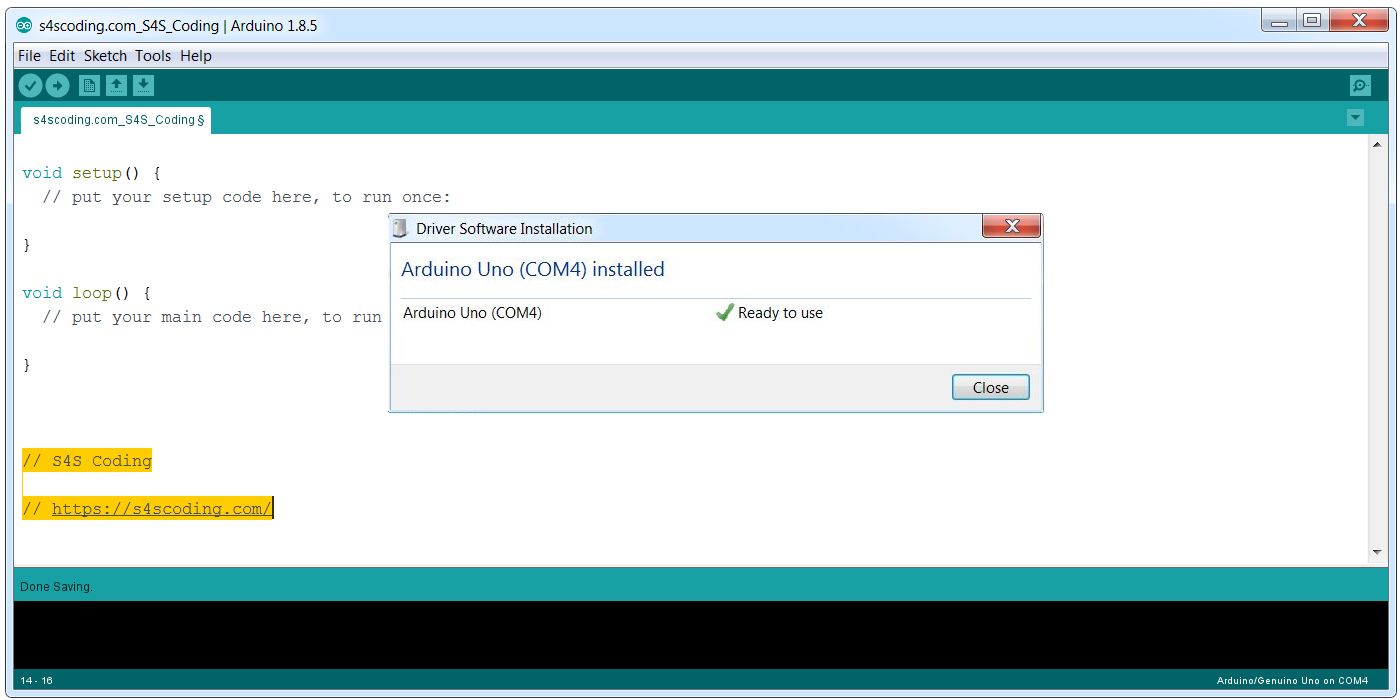
Arduino Driver Software Installed Successfully on COM4
Attach your Arduino Microcontroller board (I’m working with an Arduino UNO clone) to your device with a USB cable.
After connecting the Arduino UNO via USB to a Desktop PC, the power light on the Arduino UNO will light up and you should get a “Found New Hardware” message from Windows. Windows should attempt to install the Arduino Driver Software.
It took a while for Windows to install the driver, but everything worked perfectly first time and the Arduino UNO was installed on COM4.
Continue Reading How to Download and Install the Arduino IDE Software


Computing Education in Schools #Computing #Education #School...
Arduino Mega Board Makerspace Project #Arduino #Makerspace...
Google Blockly Games Maze 6 Solution #Blockly #Javascript #Coding...
DiddyBorg V2 Robot Kit: The #DiddyBorg is a six-wheel powerhouse of a self-build robot powered...
Arduino IDE Library Installed Successfully #Arduino...
Boston Dynamics SpotMini is a small 4 legged robot dog that comfortably fits in an...