
Connect Your Raspberry Pi to the Network
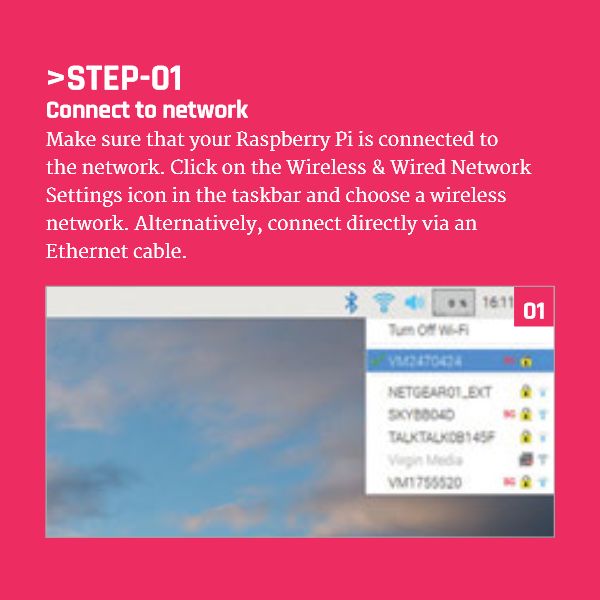
Make sure that your Raspberry Pi is connected to the network.
Click on the Wireless & Wired Network Settings icon in the taskbar and choose a wireless network.
Alternatively, connect directly via an Ethernet cable
Continue Reading Raspberry Pi SSH Tutorial


Scratch, EduBlocks, and Python Say Hello Coding Card #Scratch #EduBlocks #Python...
Snap Machine Learning Custom Blocks: New Snap! commands, sample projects, and a teacher guide to...
When to Teach Coding in Primary Schools #Coding #Teachers...
Google Blockly Games Maze 4 Solution #Blockly #Javascript #Coding...
Funny IBM Hack a HairDryer Tweet #IBM #Funny...
Raspberry Pi vs Arduino Uno #RaspberryPi #Arduino...