
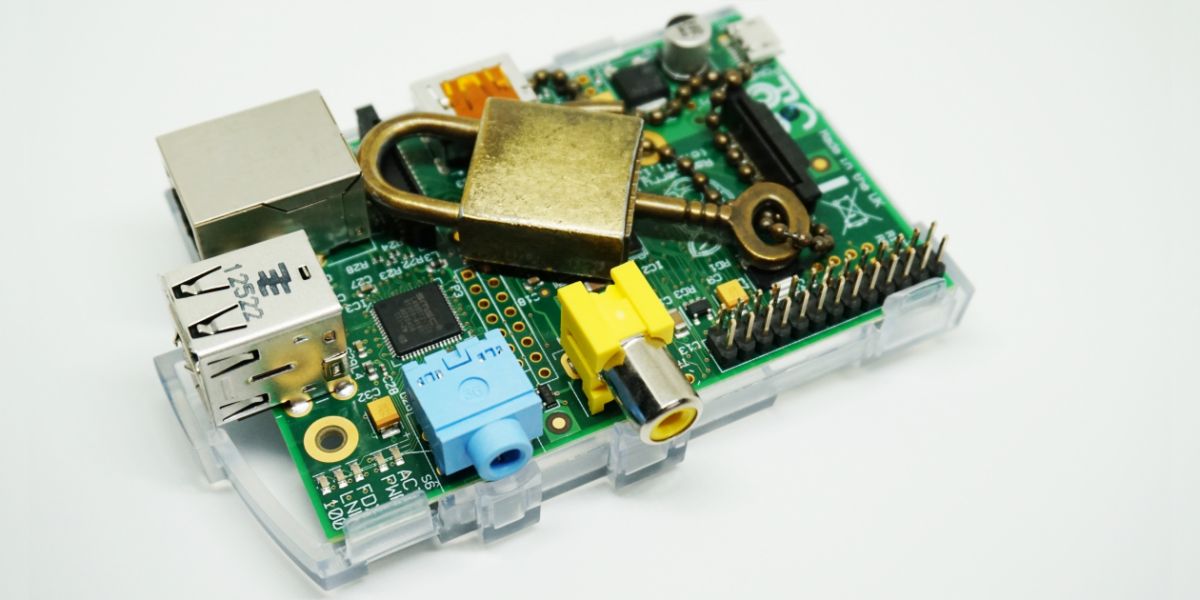
Connect to a Raspberry Pi Securely Using SSH
Secure Socket Shell (SSH) is a networking technology that makes it easy to securely access your Raspberry Pi from another computer on your network.
When deploying a Raspberry Pi in the home, for example as a retro gaming console or media box, then you won’t want a keyboard and mouse attached to it.
More complex projects may even embed your Raspberry Pi in home devices where attaching a keyboard and mouse isn’t practical, or even possible.
Having to extract your Raspberry Pi from its project and set it back up again every time you want to access it is a pain. And a needless one.
With SSH set up, and your Raspberry Pi connected to the same network as your laptop, you can connect to the Raspberry Pi using SSH and share files.
Continue Reading Raspberry Pi SSH Tutorial


Google Blockly Games Maze 6 Solution #Blockly #Javascript #Coding...
MIT App Inventor 2 Programming Language Blocks #MIT #Teachers #Coding...
Cross Curricular Lessons Motivate Children #Lessons #Coding #Teachers...
3D-Printed Myoelectric Arm Prosthetic Prototype: Students built a #3D printed #Myoelectric #prosthesis, with a lot...
Scratch Primary School Users #Scratch #Coding #School...
Computing Education in Schools #Computing #Education #School...