
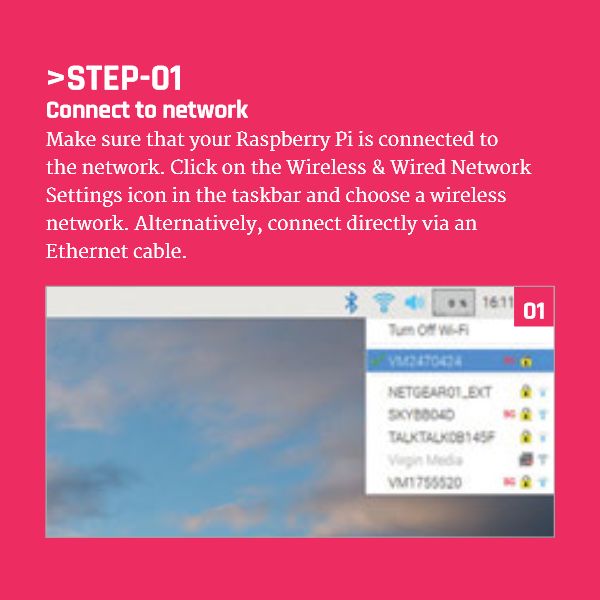
Connect Your Raspberry Pi to the Network
Make sure that your Raspberry Pi is connected to the network.
Click on the Wireless & Wired Network Settings icon in the taskbar and choose a wireless network.
Alternatively, connect directly via an Ethernet cable
Continue Reading Raspberry Pi SSH Tutorial


Brain Controlled Prosthetic Arm Funded by DARPA: The Modular #Prosthetic Limb developed for #DARPA by...
Relative Frequencies of Letters in the English Language Graph #Python #Language #Teachers...
EduBlocks Example Button Code #EduBlocks #Coding #Teachers...
Cubetto Playset Coding Kit #Cubetto #Coding...
Google Coding for Boys: A simple Google image search for 'Coding for Boys' shows lots...
Raspberry Pi Zero Micro USB 2.0 Port #RaspberryPi...