
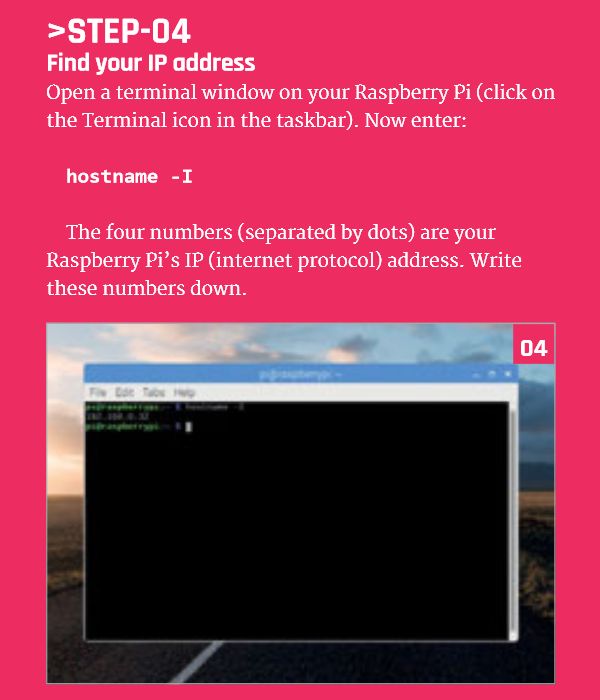
Find Your Raspberry Pi IP Address
Open a terminal window on your Raspberry Pi (click on the Terminal icon in the taskbar).
Now enter:
hostname -I
The four numbers (separated by dots) are your Raspberry Pi’s IP (internet protocol) address.
Write these numbers down.
Continue Reading Raspberry Pi SSH Tutorial


Google AIY Vision Kit: The #AIY Vision Kit from #Google lets you build your own...
MIT App Inventor 2 I Have A Dream Android App #MIT #Teachers #Coding...
Google Blockly Games Maze 9 Solution #Blockly #Javascript #Coding...
Attach The Arduino L298n Motor Driver Circuit Board ...
Arduino UNO Attached to a PC via USB Cable #Arduino...
Secondary School Coding Curriculum Key Stage 3: design, use and evaluate computational abstractions that model...